Increase Your Mobile Ram
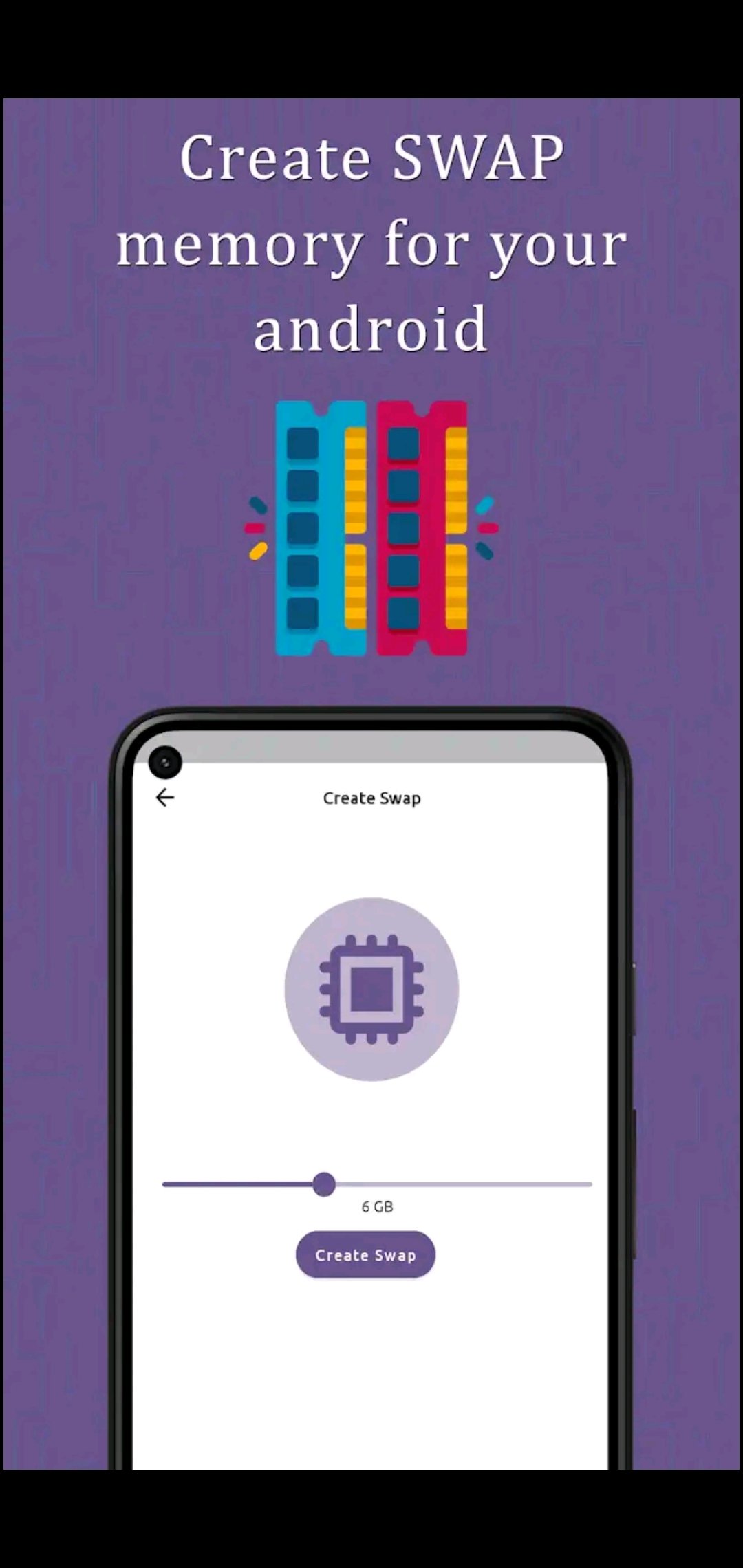
In today’s fast-paced digital world, smartphone users demand smooth multitasking, faster app launches, and lag-free performance. However, not everyone owns a high-end device with large built-in memory. This is where RAM Swapper comes into play. RAM Swapper is a powerful utility application designed to optimize smartphone performance by creating virtual RAM from internal storage or an SD card. It is especially popular among users with low-RAM Android devices who want to boost speed and reduce system slowdowns.
What Is RAM Swapping?
RAM swapping is a technique that uses a portion of storage as virtual memory to support physical RAM. When a device runs out of free RAM, inactive apps and processes are moved into swap space. This frees up the physical RAM for active tasks, improving responsiveness and reducing lag. While this technology has long been used in desktop operating systems like Windows and Linux, RAM Swapper brings similar functionality to Android devices.
Key Features of RAM Swapper
RAM Swapper apps typically offer several useful features that help users optimize memory usage. These include:
- Virtual RAM Creation: Users can allocate swap space from their internal storage or SD card.
- Improved Multitasking: More apps can stay open in the background without frequent reloads.
- Reduced Lag and Freezing: By managing memory efficiently, the device feels smoother.
- Custom Swap Size Control: Users can select how much storage is used as virtual RAM.
- Performance Monitoring: Many versions show real-time RAM usage and system status.
- Gaming Performance Boost: Better RAM management often results in improved gameplay on low-end devices.
How RAM Swapper Improves Performance
Low-RAM phones often struggle with heavy apps, background processes, and modern games. RAM Swapper helps by reducing memory pressure. When RAM is full, the system smoothly shifts idle processes into swap memory instead of force-closing them. As a result, app switching becomes faster, the system experiences fewer crashes, and overall usability improves.
For gamers, RAM Swapper can be especially helpful. Games require stable memory to run smoothly, and virtual RAM support allows more resources to be available during gameplay. This can reduce frame drops and stuttering on budget smartphones.

Root Access and Safety Considerations
Most advanced RAM Swapper apps require root access to function correctly because they interact directly with system-level memory management. Rooting gives the app permission to modify kernel parameters and create swap partitions. While this enables powerful performance optimization, it also comes with risks such as device instability and warranty issues if done improperly.
Some newer RAM Swapper tools offer limited non-root functionality, but full performance benefits usually require rooted devices. Users should always back up their data and understand the risks before enabling swap features.
Advantages and Limitations
Advantages:
- Improves multitasking on low-RAM phones
- Keeps apps running in the background longer
- Enhances gaming and general performance
- Reduces system lag and freezing
Limitations:
- May reduce storage lifespan due to frequent read/write cycles
- Requires technical knowledge for safe setup
- Full functionality often needs root access
- Not as fast as physical RAM in high-end devices
App Link
Conclusion
RAM Swapper is a valuable performance-boosting tool for users who rely on low or mid-range Android smartphones. By creating virtual RAM and optimizing memory usage, it delivers smoother multitasking, faster app switching, and improved gaming performance. While it cannot fully replace physical RAM, it offers a practical solution for extending the usability of budget devices. For users willing to understand its setup and limitations, RAM Swapper can significantly enhance overall smartphone performance.