Pattern Screen Lock: A Complete Guide to Visual Smartphone Security
In today’s digital world, smartphones store a vast amount of personal and sensitive information, including photos, messages, emails, banking apps, and social media accounts. Protecting this data is essential, and one of the most popular methods of smartphone security is the Pattern Screen Lock. Known for its simplicity and visual appeal, pattern lock has become a widely used unlocking method on Android devices. This article explores what a pattern screen lock is, how it works, its advantages and disadvantages, security strength, best practices, and how it compares to other lock screen methods.
What Is a Pattern Screen Lock?
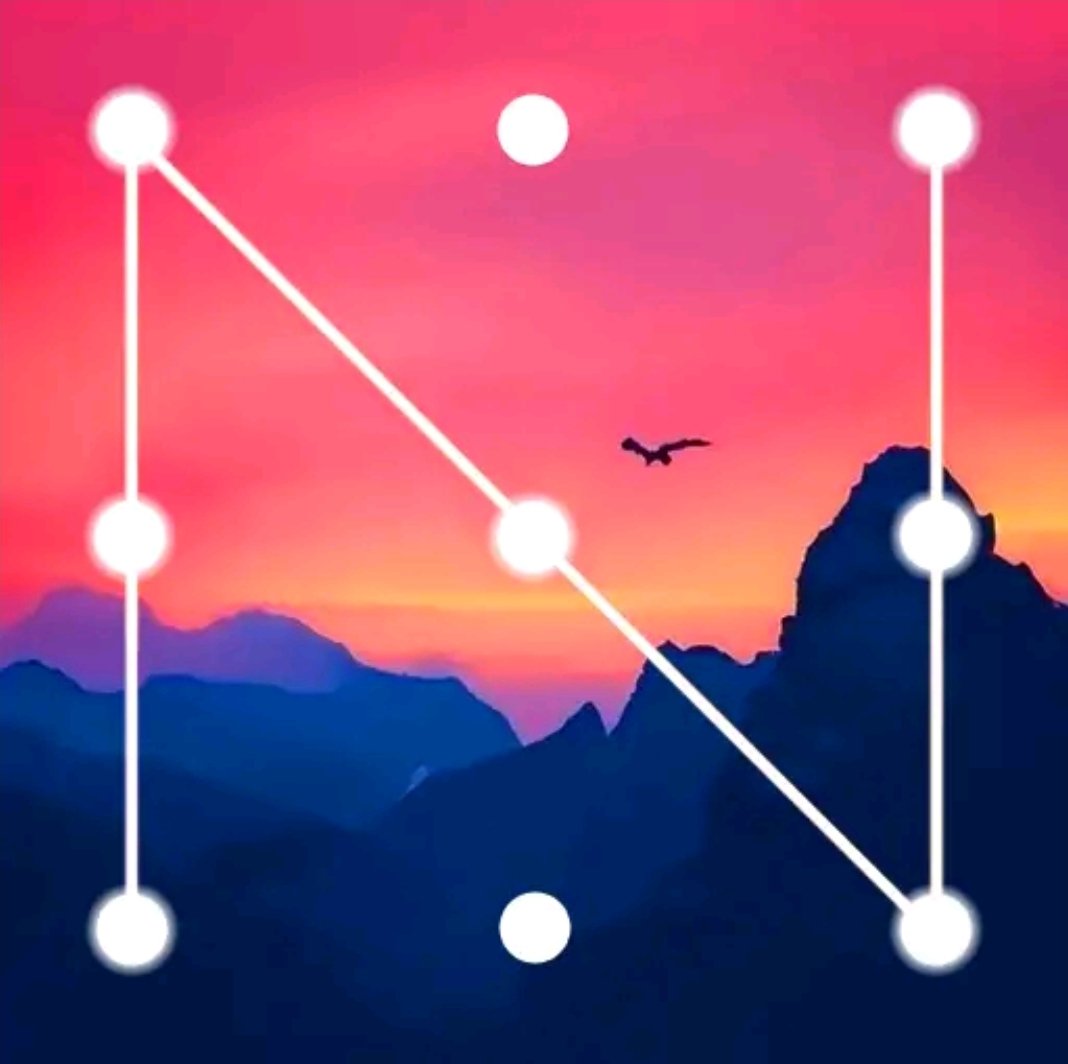
A Pattern Screen Lock is a security feature used primarily on Android smartphones and tablets. Instead of entering numbers or text, users unlock their device by drawing a specific pattern on a grid of dots—usually a 3×3 layout. The pattern connects at least four dots in a continuous motion and must be drawn in the correct sequence to unlock the device.
This method combines visual memory and touch interaction, making it quick and intuitive for users. Since its introduction with early Android versions, the pattern lock has remained a core security option due to its ease of use and fast access.
How Pattern Screen Lock Works
When setting up a pattern screen lock, the user selects a unique pattern by connecting dots on the grid. The system records the exact sequence, direction, and connections between dots. Each time the user tries to unlock the phone, the device compares the drawn pattern with the saved one.
Key components include:
- Dot grid: Usually 9 dots arranged in a square
- Minimum length: Most devices require at least 4 connected dots
- Sequence sensitivity: The order of dots matters
- Retry limits: Multiple wrong attempts can temporarily lock the device
Modern Android versions also include features like pattern visibility, haptic feedback, and auto-lock timers to enhance usability and security.
Why Pattern Lock Is So Popular
Pattern screen locks gained popularity for several reasons:
- Ease of Use
Drawing a pattern is faster than typing a PIN or password. Many users can unlock their phone in under a second. - Visual Memory Advantage
Humans tend to remember shapes more easily than numbers or text. This makes pattern locks intuitive and user-friendly. - Touch-Friendly Design
Pattern locks are ideal for touchscreens and can be used with one hand. - Beginner-Friendly
New smartphone users often find pattern locks easier than complex passwords.
Because of these advantages, pattern lock is often the default choice for many Android users.

Security Strength of Pattern Screen Lock
While pattern screen locks are convenient, their security depends heavily on how complex the pattern is.
Strong Pattern Characteristics
- Uses 7 to 9 dots
- Includes crossovers and direction changes
- Avoids simple shapes (L, Z, straight lines)
- Is not predictable or symmetrical
Weak Pattern Examples
- Simple straight lines
- Common shapes like squares or letters
- Short patterns with only 4 dots
- Easily guessable designs
Studies have shown that many users choose predictable patterns, which reduces security. Smudge marks on the screen can also reveal the pattern if the screen is not cleaned regularly.
Advantages of Pattern Screen Lock
1. Fast Access
Pattern locks allow instant unlocking without typing, making them ideal for users who frequently check their phones.
2. User-Friendly Interface
The visual grid is easy to understand, even for non-technical users.
3. Customizable Options
Users can enable or disable pattern visibility, vibration feedback, and auto-lock timing.
4. Better Than No Lock
Even a basic pattern lock provides more protection than leaving the phone unlocked.
5. Widely Supported
Almost all Android devices support pattern locks without requiring additional apps.
Disadvantages of Pattern Screen Lock
Despite its popularity, pattern screen lock has some limitations:
1. Smudge Attacks
Finger traces on the screen can reveal the pattern, especially on glossy displays.
2. Shoulder Surfing
Someone nearby can easily observe the pattern being drawn.
3. Limited Combinations
Compared to long passwords, pattern locks offer fewer possible combinations.
4. Forgetting the Pattern
If users forget their pattern, they may need to reset the device, risking data loss.
5. Less Secure Than Biometrics
Pattern locks are generally weaker than fingerprint or face recognition methods.
Pattern Lock vs Other Screen Lock Methods
Pattern Lock vs PIN
- Pattern is faster and more visual
- PIN offers better security if long (6+ digits)
- Pattern is easier to remember
Pattern Lock vs Password
- Passwords are more secure
- Pattern is more convenient
- Passwords are harder to guess but slower to enter
Pattern Lock vs Fingerprint
- Fingerprint is faster and more secure
- Pattern works even with wet or dirty fingers
- Pattern is often used as a backup method
Pattern Lock vs Face Unlock
- Face unlock is hands-free
- Pattern works in all lighting conditions
- Pattern is more reliable on older devices
Most modern smartphones allow users to combine pattern lock with biometric security for enhanced protection.
Best Practices for Creating a Secure Pattern Lock
To maximize security while using a pattern lock, follow these tips:
- Use at Least 6–9 Dots
Longer patterns are harder to guess. - Avoid Simple Shapes
Do not use letters, numbers, or straight lines. - Enable Pattern Hiding
Turn off “Make pattern visible” in settings. - Clean Your Screen Regularly
Reduce smudge marks that reveal your pattern. - Change Pattern Periodically
Updating your pattern improves long-term security. - Enable Auto-Lock Quickly
Lock the device immediately when the screen turns off.
Pattern Screen Lock in Modern Android Versions
Modern Android systems have improved pattern lock security by introducing:
- Stronger encryption
- Attempt limits with time delays
- Automatic data wipe after multiple failed attempts
- Integration with Google account recovery
- Biometric backup authentication
Pattern lock is now often used as a secondary security layer, supporting fingerprint or face unlock methods.
Common Issues with Pattern Screen Lock
Forgotten Pattern
Users can recover access using:
- Google account verification
- Backup PIN or password
- Factory reset (last resort)
Pattern Not Recognized
This can occur due to:
- Dirty or damaged screens
- Incorrect finger movement
- Touch sensitivity issues
Pattern Lock Lag
Older devices may experience slight delays, which can be fixed by clearing cache or updating the system.
Is Pattern Screen Lock Still Worth Using?
Yes, pattern screen lock is still a valuable security option, especially when used correctly. While it may not be the strongest standalone method, it provides a good balance between convenience and protection. For users who prefer speed and simplicity, pattern lock remains a practical choice.
However, for maximum security, it is recommended to:
- Combine pattern lock with biometric authentication
- Use a complex and unpredictable pattern
- Avoid common and easily guessable designs
App Link
Future of Pattern Screen Lock
As smartphone security continues to evolve, pattern locks may become less dominant but will not disappear entirely. They remain an essential backup unlocking method, especially when biometric systems fail. Future updates may introduce larger grids, dynamic patterns, or AI-based behavior recognition to improve security.
Conclusion
Pattern Screen Lock is a simple yet effective way to secure smartphones. Its visual nature, fast unlocking, and ease of use have made it a favorite among Android users worldwide. While it has some security limitations, using a strong and complex pattern can significantly enhance protection.
In an era where mobile data security is more important than ever, understanding how to use pattern screen lock correctly can help users protect their personal information while enjoying quick and seamless access to their devices. Whether used alone or alongside biometrics, pattern screen lock continues to play an important role in modern smartphone security.