How to Convert 4G Internet to 5G Internet
The demand for faster mobile internet has increased rapidly as more people use smartphones for streaming, gaming, video calls, social media, and online work. 5G technology promises faster speeds, lower latency, and improved network performance compared with 4G. Because of this, many users search for ways to convert 4G internet to 5G internet. However, it is important to understand that 5G cannot usually be created through a simple app or software setting.
What Is 4G and 5G?
4G is a widely available mobile network technology that provides good internet speeds for everyday activities. 5G is a newer generation of mobile connectivity designed to offer significantly higher speeds, lower response times, and better support for many connected devices.
The actual network technology is provided by your mobile carrier and supported by network infrastructure. Therefore, changing a setting on your phone cannot turn a 4G-only network into a genuine 5G network.
Can a 4G Phone Be Converted to 5G?
A phone that has only a 4G modem cannot normally be upgraded to genuine 5G through an application. 5G requires compatible hardware, including a 5G modem and appropriate antennas. If your smartphone is 4G-only, installing a so-called “4G to 5G converter” app will not add real 5G capability.
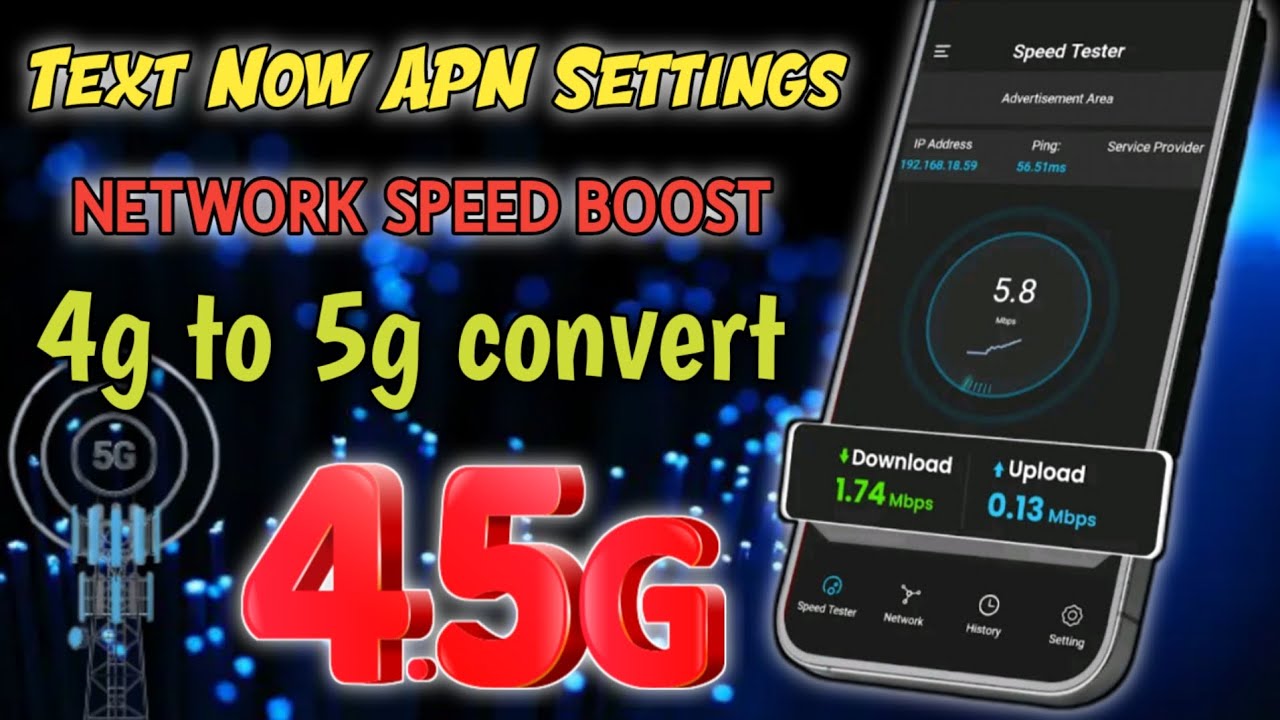
Some applications available online claim to convert 4G into 5G, but many simply provide information about network settings or help users select preferred network modes. They do not physically upgrade the phone’s modem.
What You Need for Real 5G
To use genuine 5G internet, you generally need three things: a 5G-compatible smartphone, a carrier or SIM plan that supports 5G, and 5G network coverage in your area.
First, check your phone specifications to confirm that it supports 5G. You can usually find this information on the manufacturer’s website or in the phone’s settings. Next, check whether your mobile operator offers 5G service with your current SIM or plan. Finally, make sure 5G coverage is available where you live.
How to Enable 5G
If your phone supports 5G, enabling it is usually simple. Open Settings, go to Mobile Network or SIM & Mobile Network, select your SIM card, and look for Preferred Network Type. If 5G is supported, you may see an option such as 5G/4G/3G/2G Auto.
Select the appropriate option and allow the phone to reconnect to the network. When 5G coverage is available, a 5G icon may appear in the status bar.
Improving 4G Speed
If your phone does not support 5G, you can still improve your 4G experience. Keep your phone software updated, use a strong-signal location, remove unnecessary background data usage, and restart your network connection when performance becomes slow. You can also compare network coverage from different carriers in your area.
Conclusion
Converting a 4G-only phone into a genuine 5G device is not possible simply by installing an app or changing a software setting. Real 5G requires compatible hardware, carrier support, and local 5G coverage. However, users with a 5G-compatible smartphone can enable the appropriate network mode through their phone settings. Understanding these requirements can help users avoid misleading “4G to 5G converter” applications and make better decisions when upgrading their mobile internet experience.